Upgrade to Pro
— share decks privately, control downloads, hide ads and more …
Speaker Deck
Features
Speaker Deck
PRO
Sign in
Sign up for free
Search
Search
ブラウザでテキストを読み上げる
Search
Sponsored
·
Ship Features Fearlessly
Turn features on and off without deploys. Used by thousands of Ruby developers.
→
SAW
April 27, 2024
Programming
0
240
ブラウザでテキストを読み上げる
JavaScript/TypeScript 勉強会 in 神戸 の発表資料です。
SAW
April 27, 2024
Tweet
Share
More Decks by SAW
See All by SAW
React Hook Form と Zod によるフォームバリデーション
azuki
0
33
PHP で form-data を POST 以外のメソッドで受け取るには?
azuki
0
59
PHP で学ぶ OAuth 入門
azuki
2
1k
EditorConfig を使ってみよう
azuki
1
96
Symfony でサクッと作る REST API サーバー
azuki
1
220
Vite の Library Mode を使って Vue のコンポーネントをライブラリ化する
azuki
1
320
Laravel や Symfony で手っ取り早く OpenAPI のドキュメントを作成する
azuki
2
380
Provide/Inject で TypeScript の恩恵を受ける方法
azuki
3
170
GraphQL はいいぞ! ~Laravel で学ぶ GraphQL 入門~
azuki
1
400
Other Decks in Programming
See All in Programming
AI & Enginnering
codelynx
0
120
CSC307 Lecture 08
javiergs
PRO
0
670
インターン生でもAuth0で 認証基盤刷新が出来るのか
taku271
0
190
KIKI_MBSD Cybersecurity Challenges 2025
ikema
0
1.3k
[KNOTS 2026登壇資料]AIで拡張‧交差する プロダクト開発のプロセス および携わるメンバーの役割
hisatake
0
300
Lambda のコードストレージ容量に気をつけましょう
tattwan718
0
150
そのAIレビュー、レビューしてますか? / Are you reviewing those AI reviews?
rkaga
6
4.6k
AtCoder Conference 2025
shindannin
0
1.1k
AIエージェント、”どう作るか”で差は出るか? / AI Agents: Does the "How" Make a Difference?
rkaga
4
2k
並行開発のためのコードレビュー
miyukiw
0
1.3k
ノイジーネイバー問題を解決する 公平なキューイング
occhi
0
110
360° Signals in Angular: Signal Forms with SignalStore & Resources @ngLondon 01/2026
manfredsteyer
PRO
0
140
Featured
See All Featured
Ten Tips & Tricks for a 🌱 transition
stuffmc
0
72
Design of three-dimensional binary manipulators for pick-and-place task avoiding obstacles (IECON2024)
konakalab
0
350
[RailsConf 2023 Opening Keynote] The Magic of Rails
eileencodes
31
9.9k
How to make the Groovebox
asonas
2
1.9k
Future Trends and Review - Lecture 12 - Web Technologies (1019888BNR)
signer
PRO
0
3.2k
The Spectacular Lies of Maps
axbom
PRO
1
530
Everyday Curiosity
cassininazir
0
130
Performance Is Good for Brains [We Love Speed 2024]
tammyeverts
12
1.4k
How To Stay Up To Date on Web Technology
chriscoyier
791
250k
Building a Modern Day E-commerce SEO Strategy
aleyda
45
8.7k
How To Speak Unicorn (iThemes Webinar)
marktimemedia
1
380
SEOcharity - Dark patterns in SEO and UX: How to avoid them and build a more ethical web
sarafernandez
0
120
Transcript
ブラウザでテキストを読み上げる JavaScript/TypeScript 勉強会 in 神⼾ 2 0 2 4 /
0 4 / 2 7 SAW
$(whoami) • ⽒名: 加藤 宗⼀郎 (30歳) • ハンドルネーム: SAW •
関⻄の IT エンジニア コミュニティの賑やかし担当 (⾃称) • ⼤阪在住‧愛知出⾝ • X (旧 Twitter): @azuki_eater • 得意分野: Web アプリケーション開発 • Vue, Laravel 2
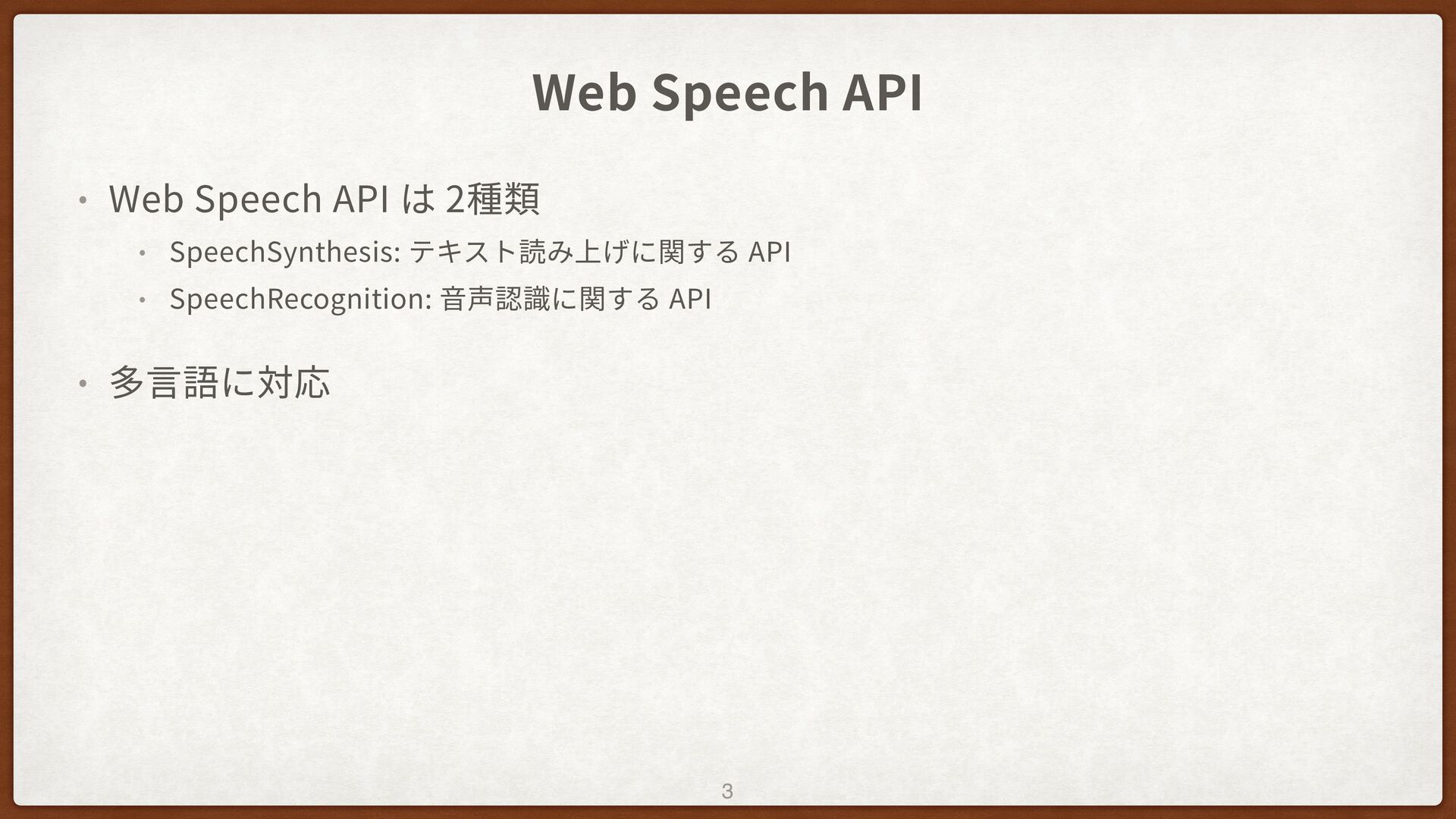
Web Speech API • Web Speech API は 2種類 •
SpeechSynthesis: テキスト読み上げに関する API • SpeechRecognition: ⾳声認識に関する API • 多⾔語に対応 3
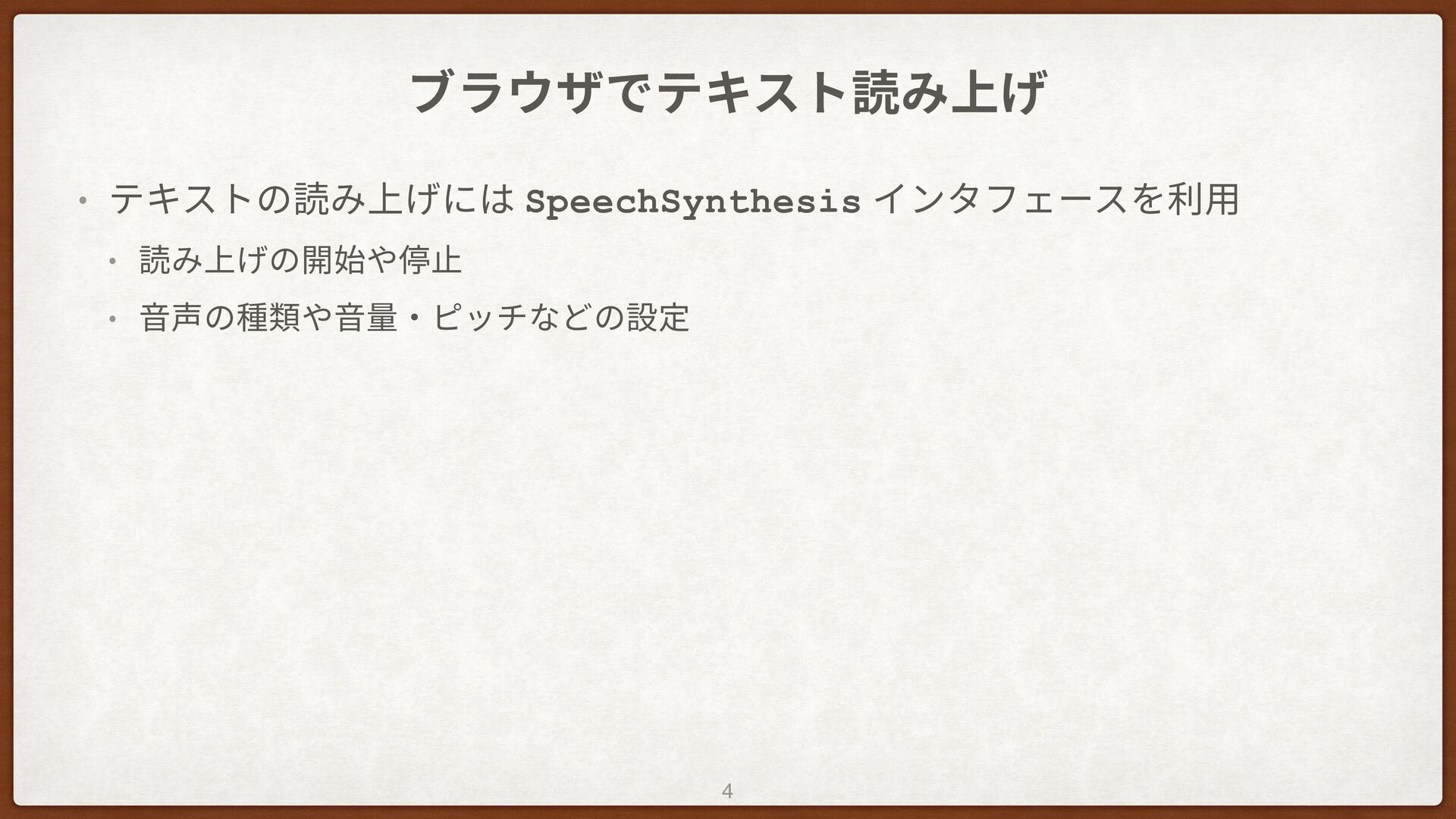
ブラウザでテキスト読み上げ • テキストの読み上げには SpeechSynthesis インタフェースを利⽤ • 読み上げの開始や停⽌ • ⾳声の種類や⾳量‧ピッチなどの設定 4
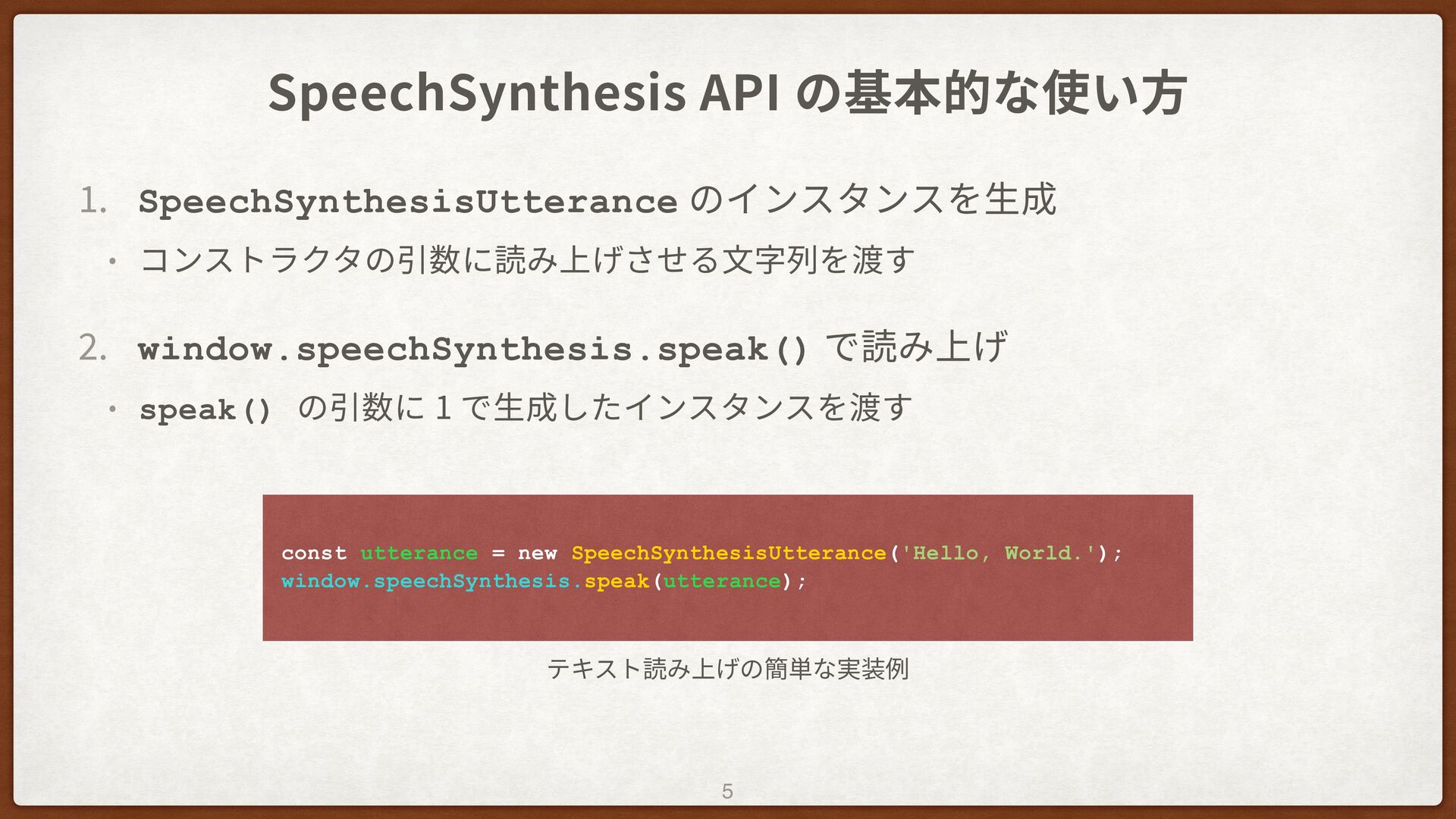
SpeechSynthesis API の基本的な使い⽅ 1 . SpeechSynthesisUtterance のインスタンスを⽣成 • コンストラクタの引数に読み上げさせる⽂字列を渡す 2
. window.speechSynthesis.speak() で読み上げ • speak() の引数に 1 で⽣成したインスタンスを渡す 5 const utterance = new SpeechSynthesisUtterance('Hello, World.'); window.speechSynthesis.speak(utterance); テキスト読み上げの簡単な実装例
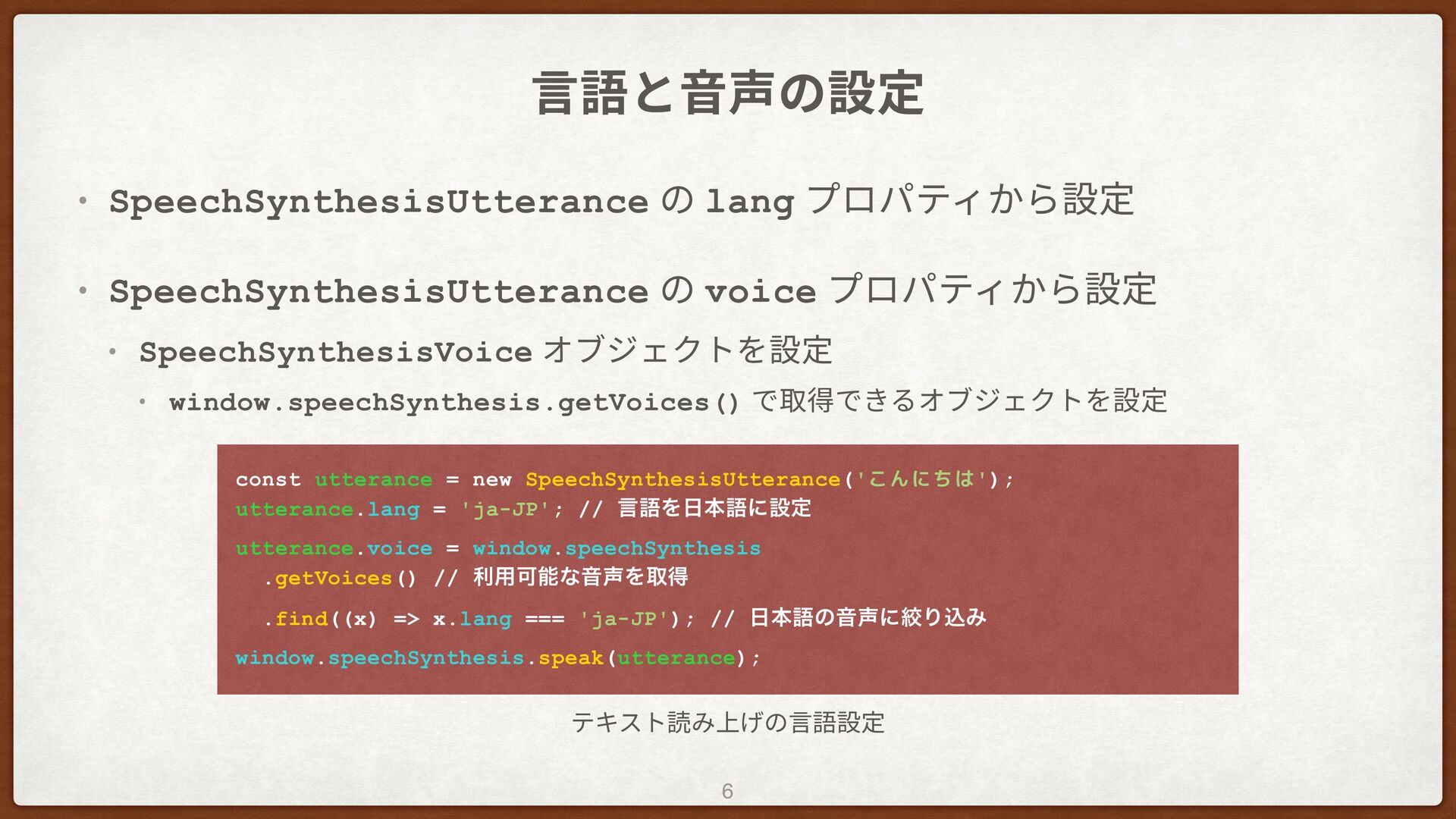
⾔語と⾳声の設定 • SpeechSynthesisUtterance の lang プロパティから設定 • SpeechSynthesisUtterance の voice
プロパティから設定 • SpeechSynthesisVoice オブジェクトを設定 • window.speechSynthesis.getVoices() で取得できるオブジェクトを設定 6 const utterance = new SpeechSynthesisUtterance('こんにちは'); utterance.lang = 'ja-JP'; // ݴޠΛຊޠʹઃఆ utterance.voice = window.speechSynthesis .getVoices() // ར༻ՄೳͳԻΛऔಘ .find((x) => x.lang === 'ja-JP'); // ຊޠͷԻʹߜΓࠐΈ window.speechSynthesis.speak(utterance); テキスト読み上げの⾔語設定
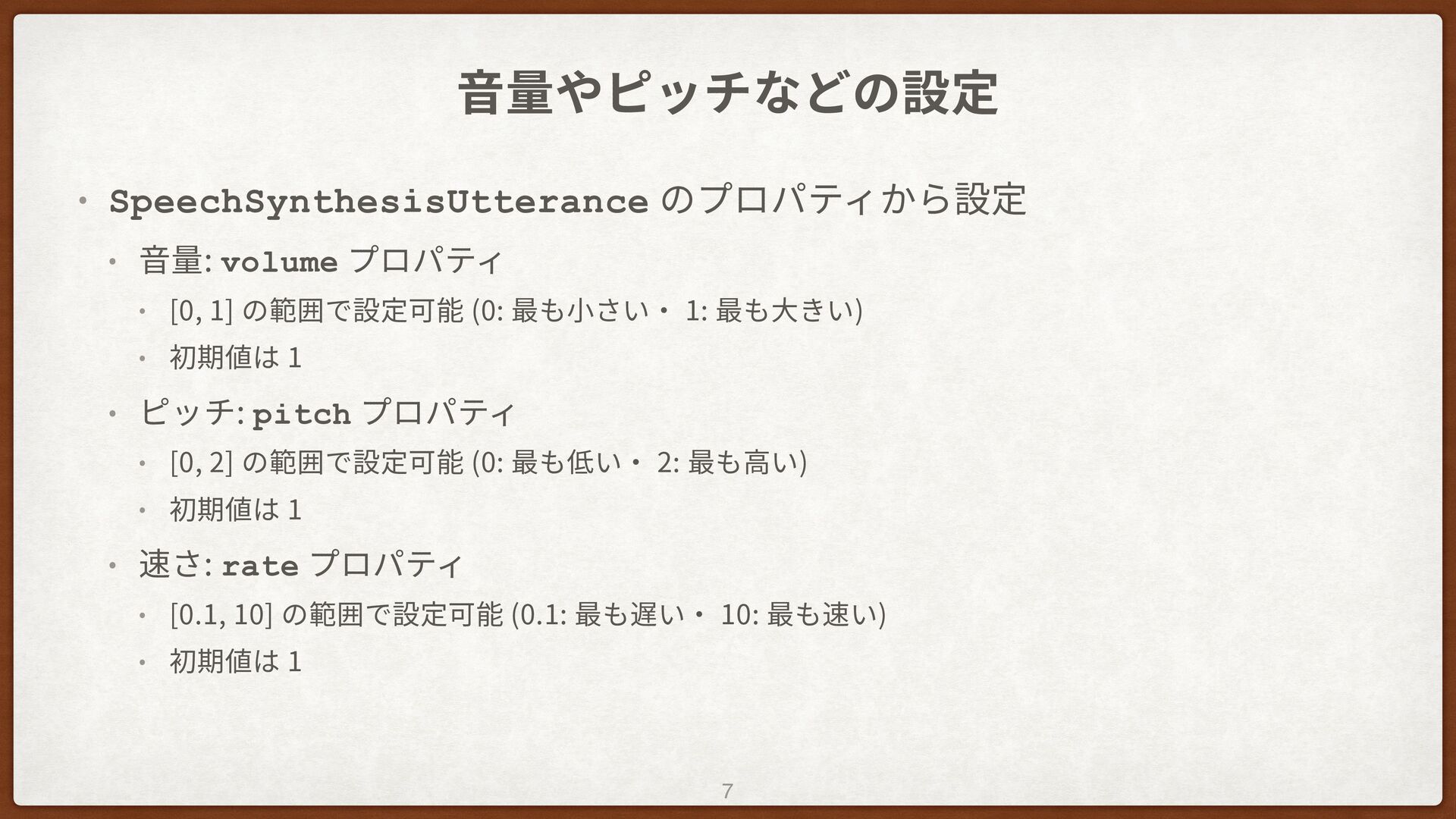
⾳量やピッチなどの設定 • SpeechSynthesisUtterance のプロパティから設定 • ⾳量: volume プロパティ • [0,
1] の範囲で設定可能 (0: 最も⼩さい‧ 1: 最も⼤きい) • 初期値は 1 • ピッチ: pitch プロパティ • [0, 2] の範囲で設定可能 (0: 最も低い‧ 2: 最も⾼い) • 初期値は 1 • 速さ: rate プロパティ • [0.1, 10] の範囲で設定可能 (0.1: 最も遅い‧ 10: 最も速い) • 初期値は 1 7
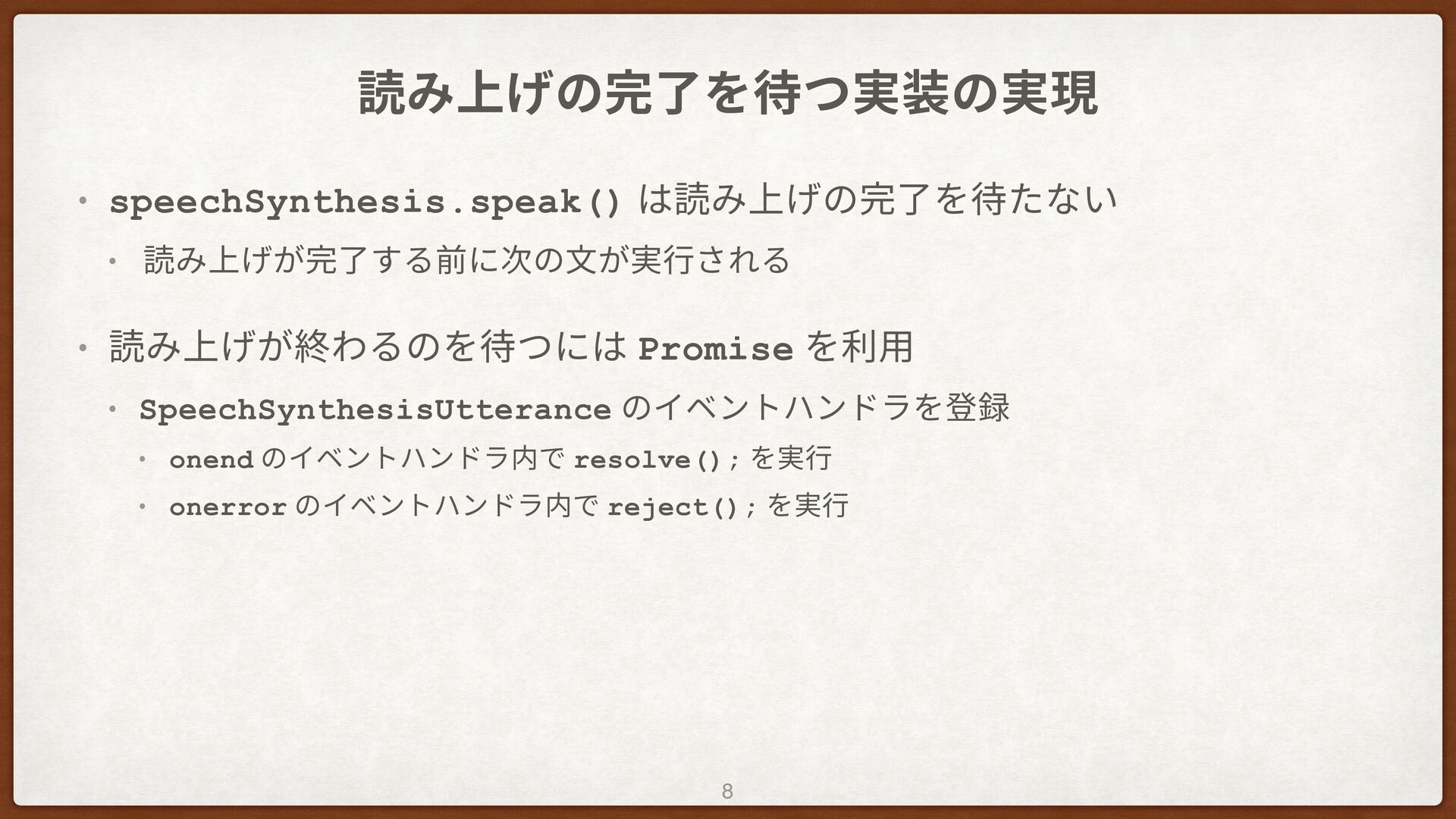
読み上げの完了を待つ実装の実現 • speechSynthesis.speak() は読み上げの完了を待たない • 読み上げが完了する前に次の⽂が実⾏される • 読み上げが終わるのを待つには Promise を利⽤
• SpeechSynthesisUtterance のイベントハンドラを登録 • onend のイベントハンドラ内で resolve(); を実⾏ • onerror のイベントハンドラ内で reject(); を実⾏ 8
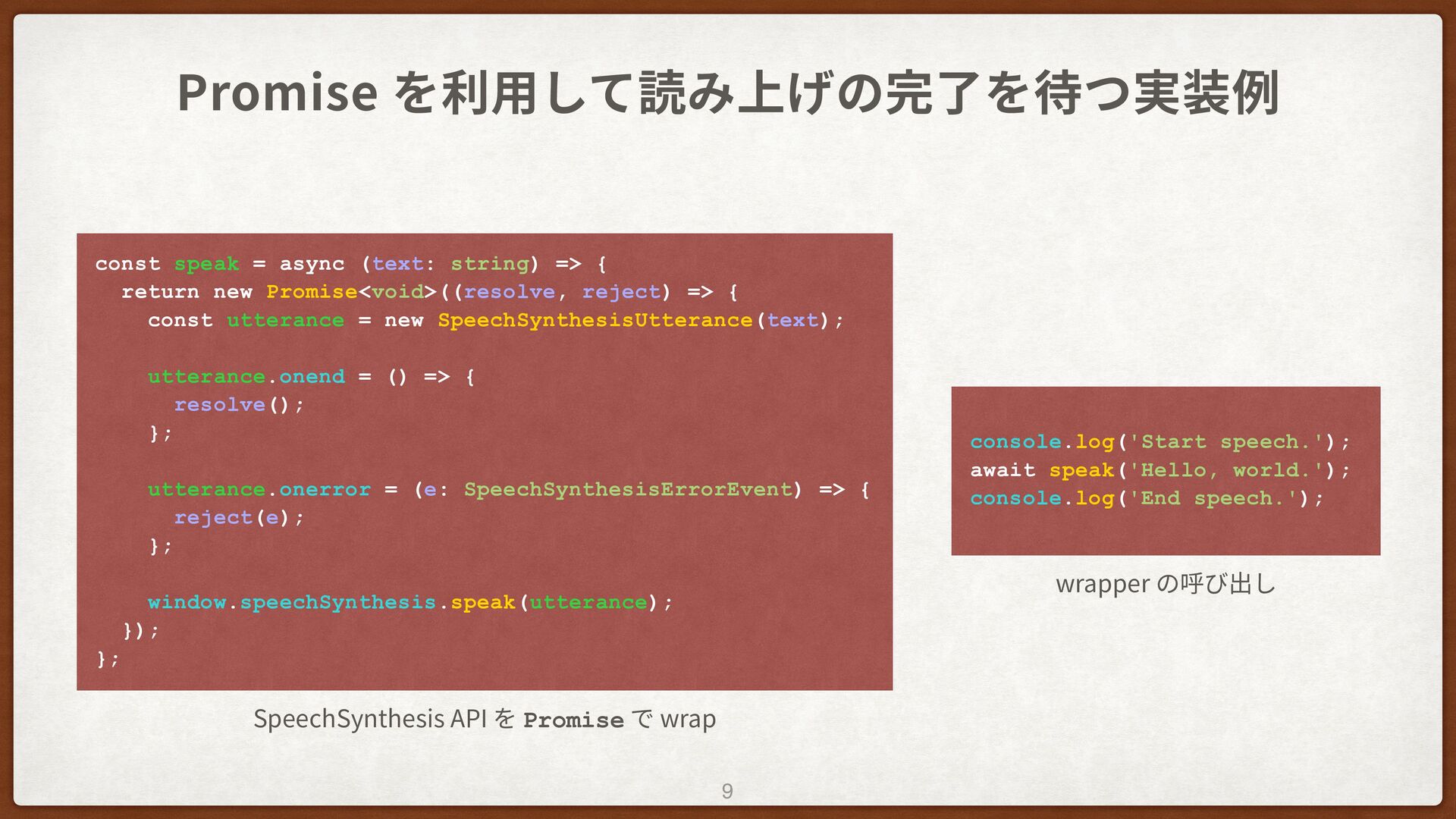
Promise を利⽤して読み上げの完了を待つ実装例 9 const speak = async (text: string) =>
{ return new Promise<void>((resolve, reject) => { const utterance = new SpeechSynthesisUtterance(text); utterance.onend = () => { resolve(); }; utterance.onerror = (e: SpeechSynthesisErrorEvent) => { reject(e); }; window.speechSynthesis.speak(utterance); }); }; SpeechSynthesis API を Promise で wrap console.log('Start speech.'); await speak('Hello, world.'); console.log('End speech.'); wrapper の呼び出し
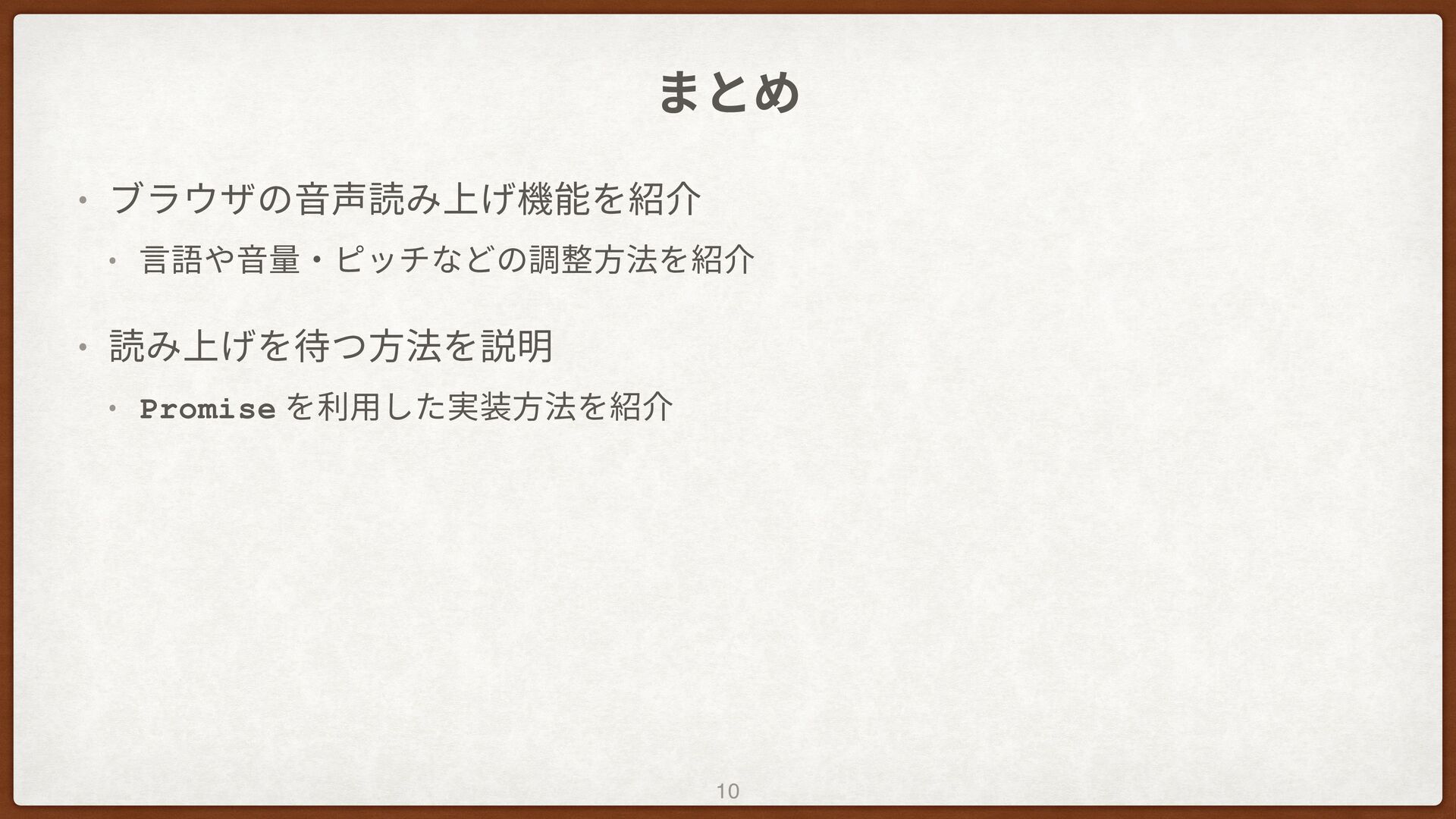
まとめ • ブラウザの⾳声読み上げ機能を紹介 • ⾔語や⾳量‧ピッチなどの調整⽅法を紹介 • 読み上げを待つ⽅法を説明 • Promise を利⽤した実装⽅法を紹介
10
ご清聴ありがとうございました


 azuki
azuki
 codelynx
 javiergs
 taku271
 ikema
ikema
 hisatake
 tattwan718
 rkaga
rkaga
 shindannin
 miyukiw
 occhi
occhi
 manfredsteyer
 stuffmc
 konakalab
 eileencodes
 asonas
 signer
 axbom
axbom
 cassininazir
 tammyeverts
 chriscoyier
 aleyda
 marktimemedia
 sarafernandez